At many companies, the customer service team starts the day by opening several or sometimes a dozen email inboxes. On top of that come messages from contact forms, chat, Messenger, phone requests, and in e-commerce also inquiries from marketplaces. The result? Every agent has their own "system", notes in Excel or a notebook, and the manager can't tell how many requests are waiting for a reply or which of them are urgent complaints.
If you face similar challenges, you're surely wondering how to organize customer requests without halting the company's work. The good news is that it doesn't require an overnight revolution. A few logical steps and the right online customer service system are enough to support your team day to day.
Why isn't a traditional email inbox enough?
A regular email inbox was designed for correspondence, not for managing a customer service process. When dozens or hundreds of messages come in every day, it quickly turns out that folders, stars, and flags aren't enough. This is especially visible when several people work on a single address like office@ or support@.
The most common problems with a regular inbox:
- no clear information about who's responsible for a given message,
- duplicate replies – two people respond to the same customer,
- no prioritization – urgent complaints get mixed in with simple questions,
- no statistics – you don't know how many requests have been resolved and in what time,
- difficulty handing off cases inside the company (e.g., between sales and service).
At some point, every growing business asks itself: "can we still work this way?". The answer is usually: no. That's exactly the moment when it's worth looking for a way to organize customer emails and move to a solution designed from the start with request handling in mind – that is, a ticketing system / online customer service system.
An online customer service system as the foundation of order
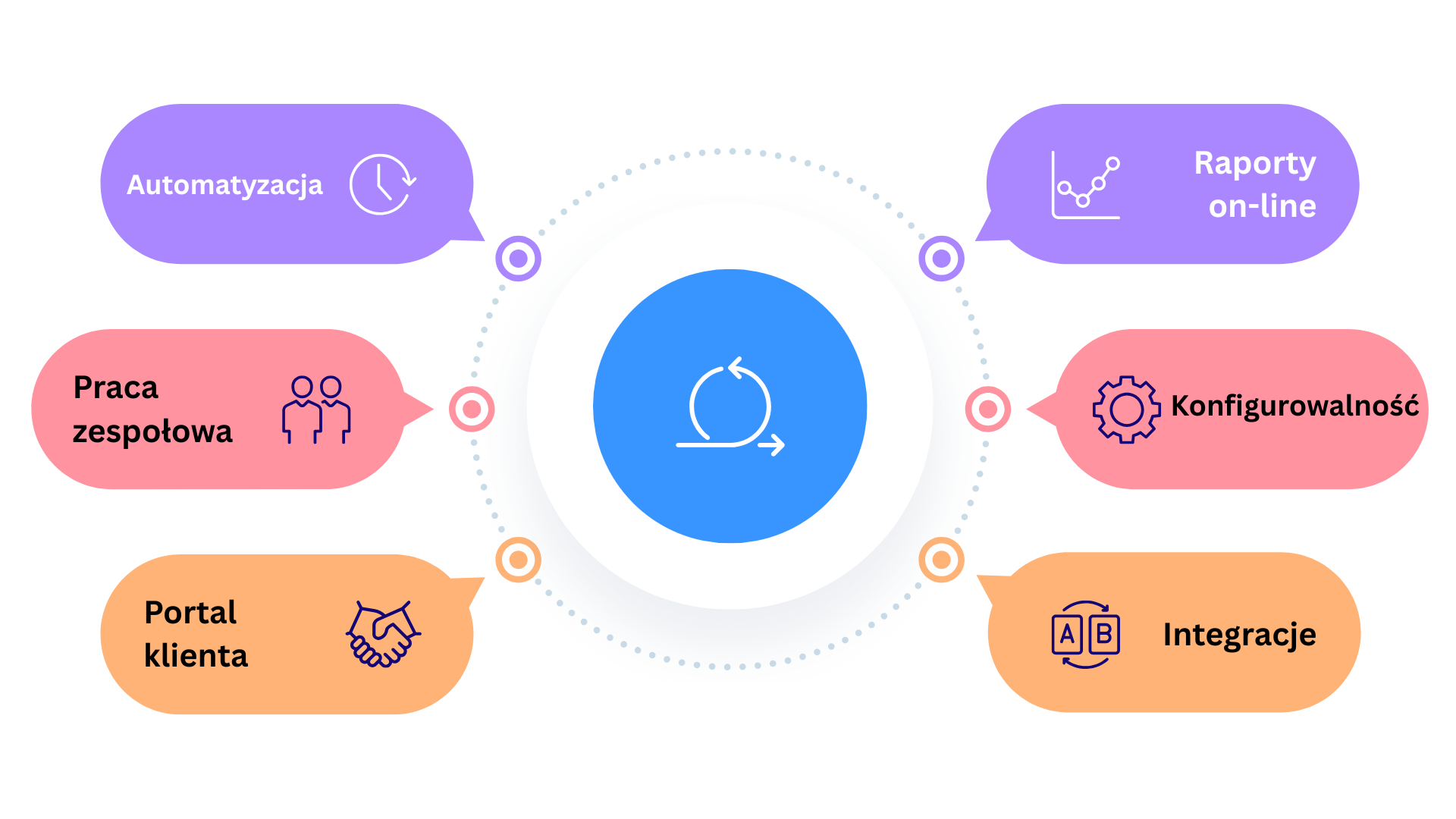
A system like Debesis turns every customer message into a ticket – a request with a unique number, priority, category, and an owner. Instead of an "email box", you get an organized list of cases that you can filter, hand off, report on, and automate.
The most important elements that help organize requests:
- One inbox, many queues. All messages enter the system, and then automation rules split them into queues: sales, complaints, accounting, post-sale support, etc.
- A customer view, not email threads. The agent sees the contact history, previous orders, and requests – not just a single email out of context.
- SLAs and priorities. You can set different response times and priorities for different case types, so the team knows what to handle first.
- Customer service automation. The system can assign a request to the right person on its own, send a case acknowledgment, or update the status after receiving a customer reply.
How to organize customer requests – 6 steps
Before turning on a new system, it's worth taking a moment to organize the process itself. Below you'll find six steps we recommend to Debesis customers when planning a rollout.
Step 1. Write down all contact channels
Note where requests currently come from: email addresses, web forms, site chat, Messenger, marketplaces, the helpline. This way you'll quickly see where information gets lost most often and which channels to connect first to the online customer service system.
Step 2. Define case categories
The next step is naming request types. For e-commerce that might be e.g., "shipment status", "product question", "complaint", "invoice". In B2B – "rollout", "support", "billing". Don't go overboard with categories at the start – it's more important that the team can assign them intuitively.
Step 3. Set priorities and SLAs
A "high" priority should mean more than "the customer is in a hurry". It's worth tying priorities to case types (e.g., complaints and system outages) and setting concrete response times (SLAs) for them. Then the system can automatically suggest to agents which requests need the fastest reply.
Step 4. Sort out responsibilities
Think about who in the company should handle each request category and to whom to escalate harder cases. In Debesis you can model this with queues and permissions – each person sees only the requests their team is responsible for.
Step 5. Build a reply template library
If your agents answer the same questions several times a day, that's a perfect signal to build a template library. In a ticketing system you can save canned responses and then insert them into an email with a quick shortcut. After light personalization the customer gets a consistent reply, and the team saves dozens of minutes every day.
Step 6. Turn on customer service automation
Only at this stage is it worth asking the question of automating responses to customer emails. With categories, priorities, and templates defined, you can build rules like "if the message is about shipment status, send the customer an automatic reply with a tracking link and mark the request as waiting on customer".
How to organize customer emails in your daily work?
The system itself isn't everything – how the team uses it day to day is just as important. Below you'll find a few practices that help maintain order in the inbox even at very high message volume.
- Work the queue, not your own email. Agents should start the day with the system queues, not their personal inbox. That way they see the full picture, not just "their piece".
- Filter by priority. First handle urgent requests (e.g., complaints, outages), then standard cases. The system can display them in the right order.
- Add internal notes. Instead of sending more emails to coworkers, add comments directly to tickets. That way the entire case history is in one place.
- Use tags. Tags help quickly group requests (e.g., "Black Friday", "new product version"), which makes later analysis and reporting easier.
- Close cases regularly. Set a rule that after a full reply and no customer response within a defined time, requests are automatically closed – with the option to reopen them, of course.
How to work with customer complaints in an organized way?
Complaints are usually the most sensitive part of customer service. The customer is already dissatisfied to some degree, and any mistake on the company's side only amplifies negative emotions. That's why it's worth treating them as a separate process and not just "more emails in the inbox".
Here's a proven scheme for working with customer complaints in a ticketing system:
- A separate "Complaints" queue. All complaint requests go into a dedicated queue with its own SLA and a dedicated team.
- Standardized data. A complaint form or request template requires data such as order number, product photos, expected resolution method, etc.
- Case statuses. For example: "new complaint", "under analysis", "waiting for documents from customer", "accepted", "rejected". That way everyone in the company sees what stage a complaint is at.
- Reply templates. Well-prepared templates help respond to customers quickly while staying empathetic and consistent with company policy.
- Reason reporting. It's worth tagging complaint reasons (e.g., "damage in transit", "wrong description on website", "wrong sizing"), so you can regularly analyze what to improve in the sales process.
After a few weeks of work like this, you'll notice that complaints stop being "chaos" and become a well-managed stream of requests that you can measure, optimize, and – importantly – reduce through preventive action.
A sample workday in an organized request system
What does an agent's work look like after rolling out Debesis? Here's a simplified scenario showing what an online customer service system changes compared to a traditional email inbox.
- The agent logs into the system and opens the "To handle today" queue.
- At the top of the list they see urgent requests (e.g., complaints, requests with SLA running out), and standard questions below.
- After clicking a request, they see the customer's full contact history, their orders, previous complaints, and internal notes.
- They pick the right reply template, fill in any missing information, and send the email to the customer with a single click.
- If needed, they hand the request to another department, and the system automatically changes its status and assignment.
- At the end of the day, the manager sees in reports the number of handled requests, average response time, and a list of cases that need extra attention.
This approach means the question "how to get a handle on customer messages" stops being a daily problem and becomes simply a well-described process that supports business growth instead of blocking it.
Summary: from inbox chaos to a predictable process
Organizing requests isn't only about "uploading" a new tool. The key is combining three elements: simple rules, defined responsibilities, and a system that enforces those rules.
If you want to see in practice how to organize customer requests:
- collect emails, forms, and phone requests in one place,
- define case categories and priorities,
- organize customer emails using queues, tags, and notes,
- improve how you work with customer complaints,
- and add reasonable customer service automation on top,
– the Debesis ticketing system was designed exactly for these challenges.